
Low-code migration plan: 6 steps to replace legacy apps
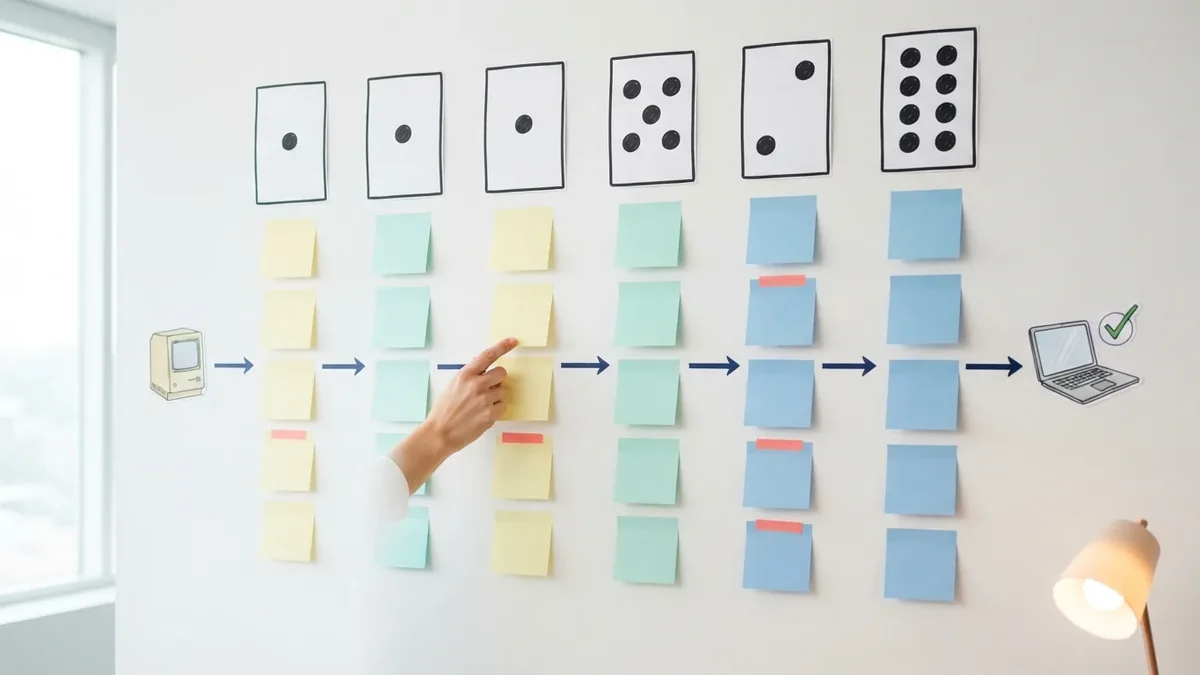
A low-code migration plan turns a vague wish to retire an old system into a short list of decisions made in a sensible order. Microsoft’s modernization guidance suggests three phases, planning, implementation and operations, and the six steps below follow that arc for a mid-sized company.
What should the plan settle?
Four decisions sit under every plan: which problem the replacement solves, which applications go first, where the data will live and who will build and maintain the result. Microsoft puts the first one in front. Define what the modernization is meant to solve, then judge each opportunity by the value it brings to the business or to users.
Six steps in a low-code migration plan
1. Write the problem in one sentence
Name what the replacement must fix, such as infrastructure that is no longer supported, an integration nobody can maintain or a process only one person understands. Then assess the apps and environments around it: what is not working, what works but could improve and what a change would be worth. Microsoft points to its Cloud Adoption Strategy Evaluator for building the business case. Keep the sentence in view for the whole project, because every later decision should serve it.
2. Ask three questions about each app
Is the application still needed and useful, or should it be retired? If it stays, can a low-code solution replace it as a whole? If not, can some of its workloads or components move? The answer is often a mix: low-code for forms and workflows, and traditional code exposed through a custom connector for the heavy logic. Rehosting stays on the table too: it moves an app as is to a newer environment, so low-code does not apply directly, though it can be a first step before low-code work.
3. Rank what survives
Microsoft’s factors are the organization’s low-code maturity, the complexity of the opportunity, the return for the organization, users and IT, and the time to value. Choose a challenge that stretches the team without overwhelming it, and keep applications that are too large or too complex for later rounds. The first replacements show the organization what low-code can do, so pick one that people notice.
4. Decide where the data lives
Set a vision for how your data fits into Dataverse before the first migration, because a vision at the start helps you avoid creating new silos. Judge privacy and security against current needs and the target architecture instead of copying how the old application handled them. If other applications still use the old store, leaving the data there at first limits the impact on them. The move also exposes data that has no clear owner, and consolidating it in Dataverse lets the organization govern it better.
5. Set up environments and pipelines
Create development, test and production environments, and package related resources into a solution so they move together. Power Platform pipelines automate deployments as continuous integration and delivery, and teams that prefer other tools can use the Power Platform CLI or the Build Tools for GitHub and Azure DevOps. When a solution upgrades an earlier version, only the changes are applied. An exported solution is a single compressed file, and the build tools can unpack it into individual files so version control tracks each component.
6. Run one app end to end
Start with a proof of concept, make sure the team has the training it needs, let it build and then reflect on what worked before scaling to the next legacy app. Microsoft’s own list of next steps ends the same way: refine the effort and scale it to other legacy applications.
Which mistakes does Microsoft warn about?
Organizations new to low-code often develop it the way they develop traditional code. One example in the guidance is applying UX standards written for Angular apps to a first Power Apps project, which sends the team chasing rules designed for another framework. Another is minimizing the platform on purpose, such as building an app from component framework controls instead of ordinary Power Apps controls. The better path is to get as far as you can with low-code and turn to code only at blockers that cannot be worked around.
A third trap is expectation. A team modernizing an old app should not be expected to accomplish as much as a team building a new one, because gathering requirements and business process knowledge stays slow.
Before you commit to the plan
Put the plan on one page and walk through it with the people who use the old system, since user adoption is one of the risks Microsoft flags. If a step cannot be explained in two sentences, it is not ready yet.
If you want outside help, Flow stack review also profiles consultants and partners, which gives you a starting point for a shortlist.